
Phishing Analysis
Detailed analysis of captured phishing page
Captura Visual
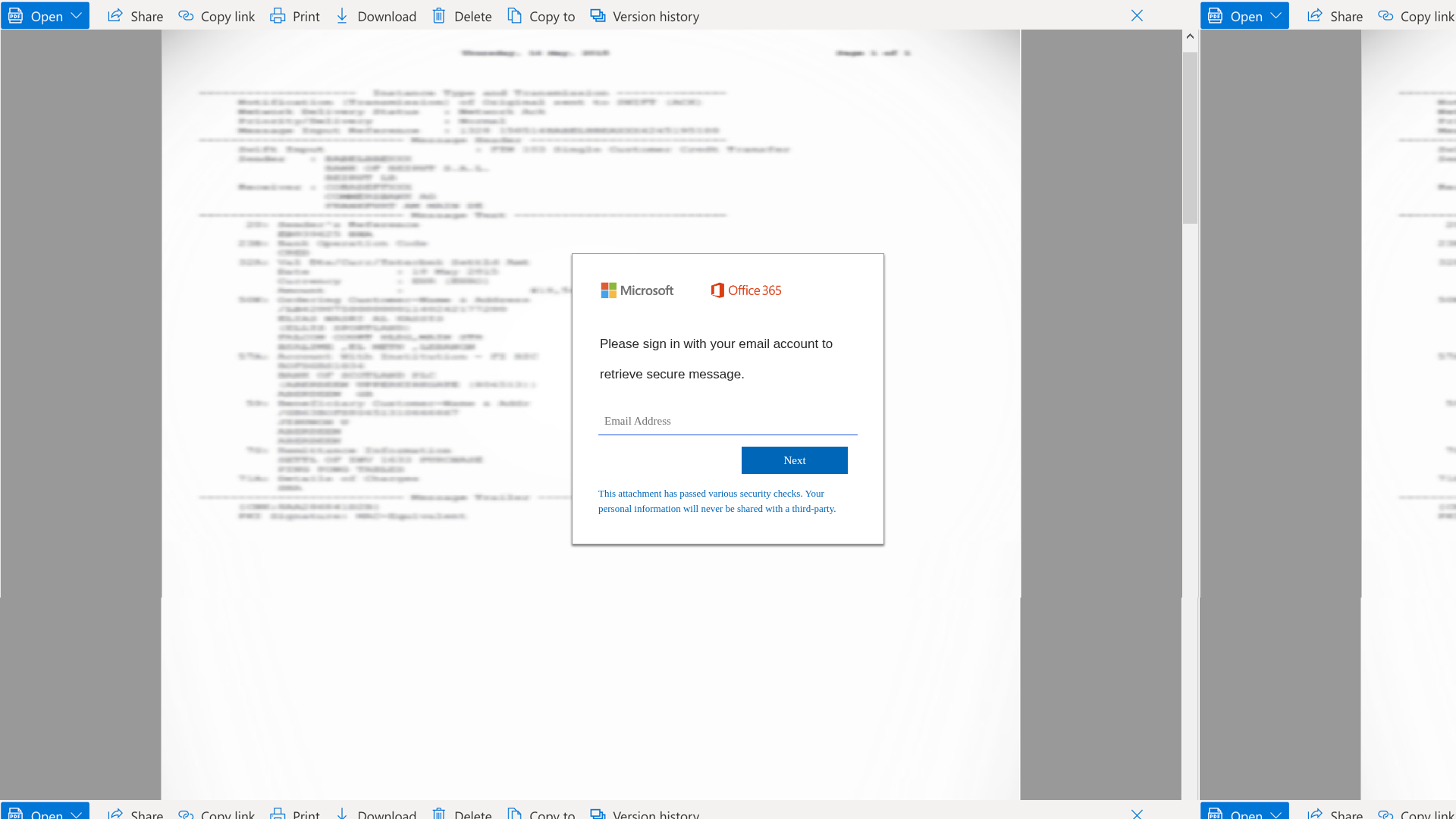
Informações de Detecção
http://www.glendaleazdentistry.com/
Detected Brand
Microsoft Office 365
Country
International
Confiança
100%
HTTP Status
200
Report ID
d108dd35-f1c…
Analyzed
2026-02-07 23:08
Hashes de Conteúdo (Similaridade HTML)
Used to detect similar phishing pages based on HTML content
| Algorithm | Hash Value |
|---|---|
|
CONTENT
TLSH
|
T1A8227D303124596FD08742A8B3BADB522089C319CB430D6B8EF4979D2AF6D13CD7978D |
|
CONTENT
ssdeep
|
192:5mIWWCIkIraNUSXIXpaRVgnvj0fEJTMwxf7ebGPpj4GEb5:5mIWWNkIr6USXIXpw2wM9zzrxj4h5 |
Hashes Visuais (Similaridade de Captura)
Used to detect visually similar phishing pages based on screenshots
| Algorithm | Hash Value |
|---|---|
|
VISUAL
pHash
|
ca3d91663699b466 |
|
VISUAL
aHash
|
7c787c7c7c78787c |
|
VISUAL
dHash
|
d9f9e9e9e9c9c9d9 |
|
VISUAL
wHash
|
7878787878787878 |
|
VISUAL
colorHash
|
07000000180 |
|
VISUAL
cropResistant
|
d9f9e9e9e9c9c9d9 |
Análise de Código
Risk Score
73/100
Nível de Ameaça
ALTO
⚠️ Phishing Confirmed
🎣 Credential Harvester
🎣 OTP Stealer
🎣 Personal Info
🔬 Threat Analysis Report
• Ameaça: Phishing
• Alvo: Usuários do Microsoft Office 365
• Método: Imitação e coleta de credenciais
• Exfil: Endereço de e-mail
• Indicadores: Imitação da tela de login do Microsoft Office 365 solicitando credenciais.
• Risco: Alto
🔒 Obfuscation Detected
- fromCharCode
🎯 Kit Endpoints
- http://www.glendaleazdentistry.com/rogabio2.js
- http://www.glendaleazdentistry.com/rogabio.js
📊 Detalhamento da Pontuação de Risco
Total Risk Score
90/100
Contributing Factors
Impersonation of Brand
The page is mimicking a Microsoft Office 365 login, a known target for phishing.
Request for Credentials
The form requests the user's email address.
🔬 Análise Integral de Ameaças
Tipo de Ameaça
Two-Factor Authentication Stealer
Alvo
Microsoft Office 365 users (International)
Método de Ataque
Brand impersonation + credential harvesting forms + obfuscated JavaScript
Canal de Exfiltração
Form submission (backend endpoint not detected - likely JavaScript-based)
Avaliação de Risco
HIGH - Automated credential harvesting with Form submission (backend endpoint not detected - likely JavaScript-based)
⚠️ Indicators of Compromise
- Kit types: Credential Harvester, OTP Stealer, Personal Info
- 6 obfuscation techniques
🏢 Análise de Falsificação de Marca
Impersonated Brand
Microsoft Office 365
Official Website
null
Fake Service
Login
⚔️ Metodologia de Ataque
Primary Method: Credential Harvesting
The attacker is using a fake login form that mimics Microsoft Office 365 to trick the user into entering their credentials.
🌐 Indicadores de Compromisso de Infraestrutura
🦠 Malicious Files
Main File
rogabio2.js
File Size
📊 Diagrama de Fluxo de Ataque
1. Step 1: User enters email → meetU() validates and shows password field
2. Step 2: User enters password → meetData() exfiltrates email/password
3. Step 3: Fake 2FA prompt appears → meetData2() exfiltrates all data and redirects
4. Step 4: All data sent to rogabio.php via GET requests (visible in server logs)
🔬 JavaScript Deep Analysis
Operator Language
English (1%)
Sophistication Level
Basic
Total Code Size
282,5 KB
🔐 Obfuscation Detected
- : Light
- : None
🤖 AI-Extracted Threat Intelligence
📊 Attack Flow
1. Step 1: User enters email → meetU() validates and shows password field
2. Step 2: User enters password → meetData() exfiltrates email/password
3. Step 3: Fake 2FA prompt appears → meetData2() exfiltrates all data and redirects
4. Step 4: All data sent to rogabio.php via GET requests (visible in server logs)
🎯 Malicious Files Identified
Main Drainer
rogabio2.jsFile Size
289KB+ (as noted in previous assessment)
Malicious Functions
meetU() - Captures email and triggers password fieldmeetData() - Exfiltrates email/password to rogabio.phpmeetData2() - Exfiltrates email/password/2FA code and redirectsvalidateuname() - Validates email formatmeetP1()/meetP() - Handles password submission flow
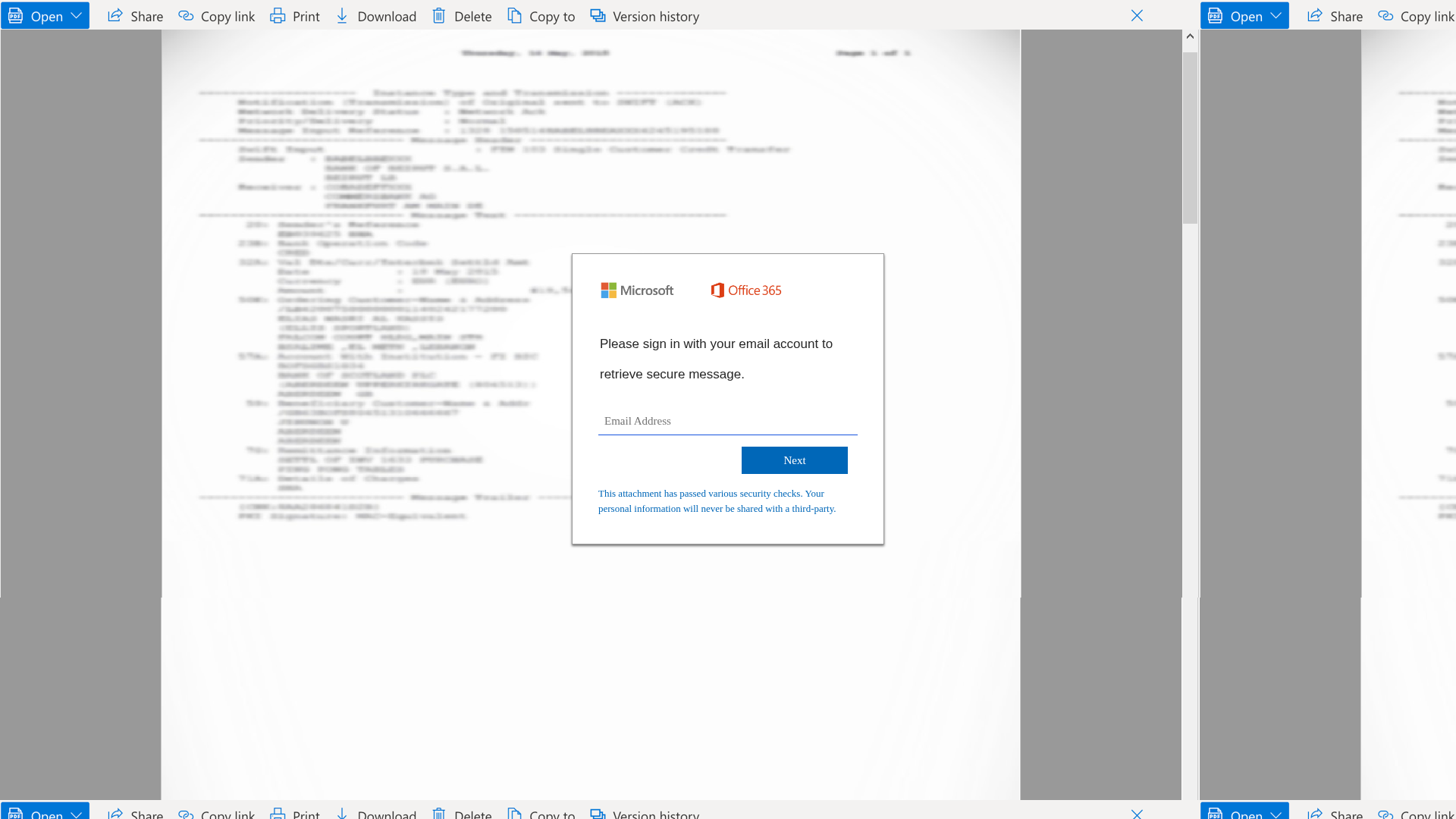
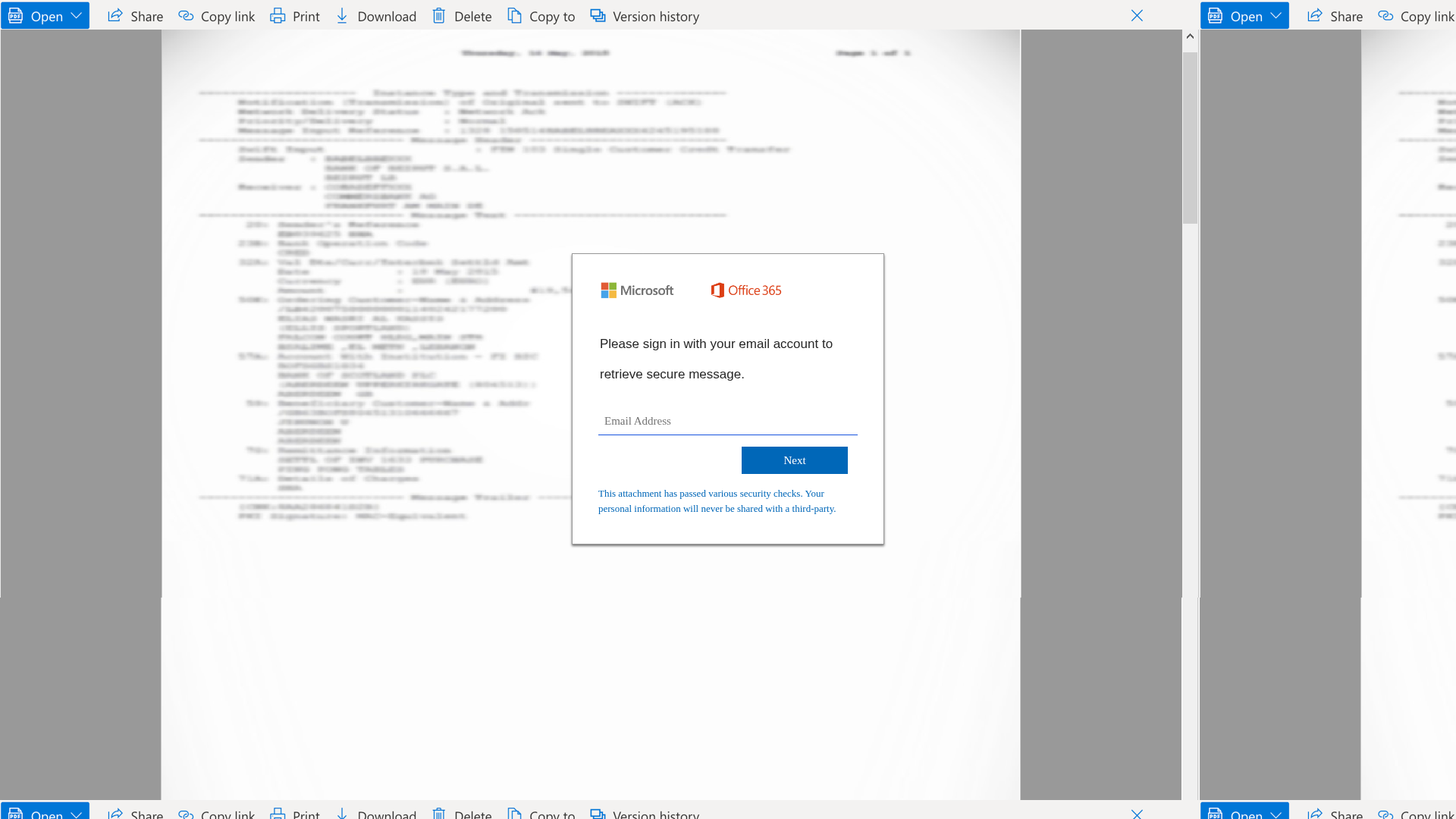
Similar Websites
Pages with identical visual appearance (based on perceptual hash)

"Nunca pensei que aconteceria comigo"
Isso dizem os 2,3 milhões de vítimas a cada ano. Não espere para ser uma estatística.