Guide: Daily Operations and Troubleshooting
This is the day-to-day runbook for users and operators.
Daily Health Check (1 minute)
Run this at the beginning of your session:
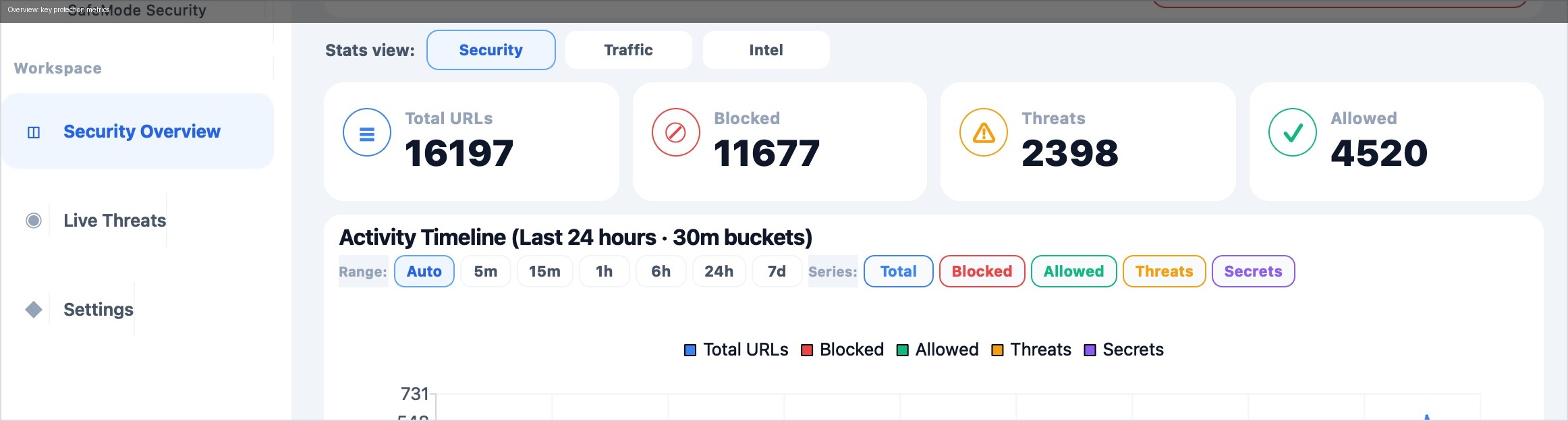
- Open Overview and confirm counters move.
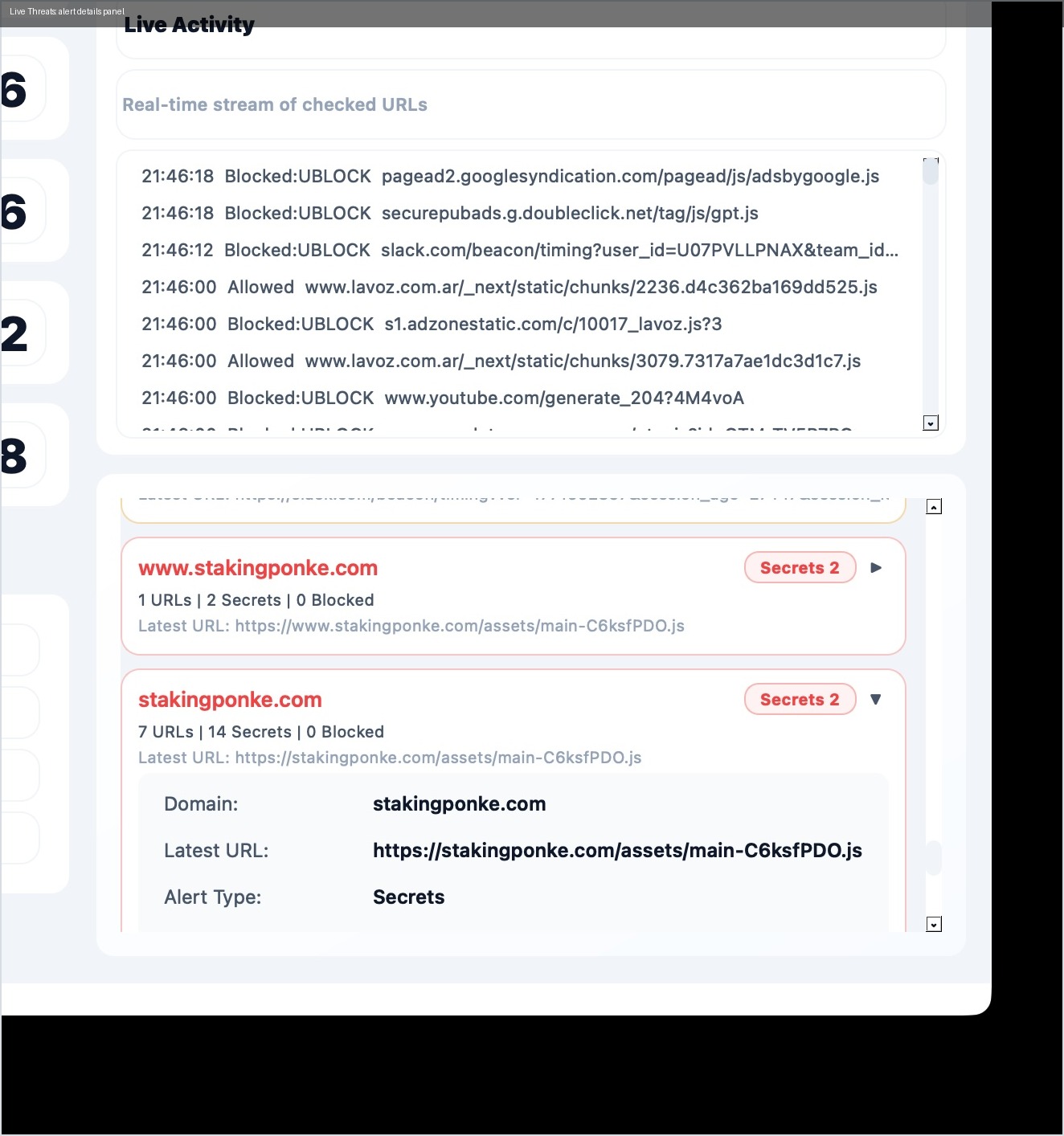
- Open Live Threats and confirm monitor/proxy are ON.
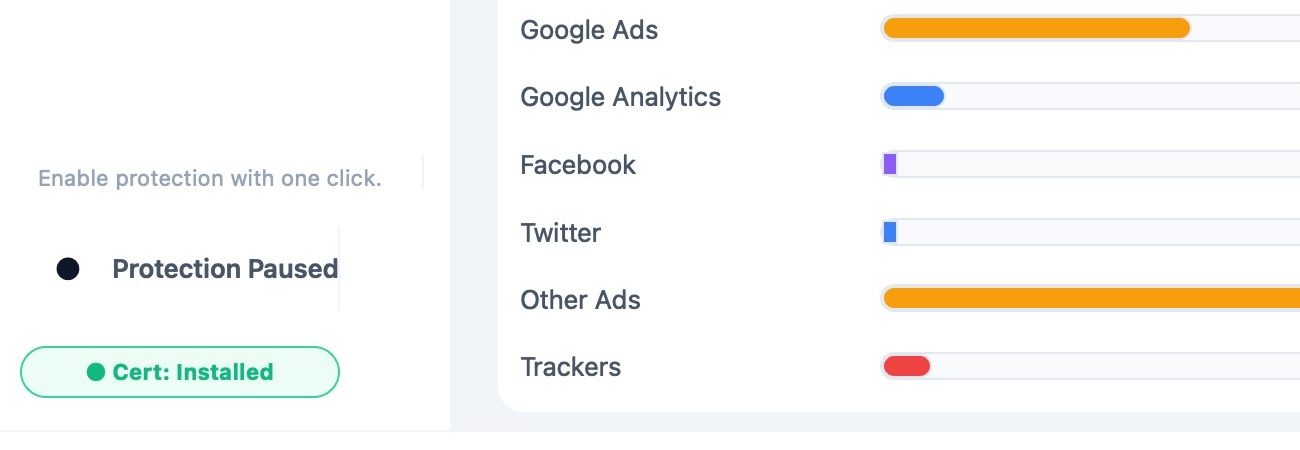
- Open Settings and confirm certificate status is healthy.

Standard Operating Mode
Recommended default:
- monitor ON while browsing,
- phishing/security notifications ON,
- ad/tracker notifications only when needed.
This keeps strong protection with lower alert fatigue.
Incident Playbooks
A) No traffic inspected
Symptoms:
- monitor appears active,
- stream is empty while browsing.
Actions:
- verify proxy status,
- reopen browser tab/session,
- recheck certificate trust.
B) Certificate warnings in browser
Actions:
- return to Settings > Security,
- reinstall/retrust certificate,
- test again with normal HTTPS sites.
C) Site breakage after filter updates
Actions:
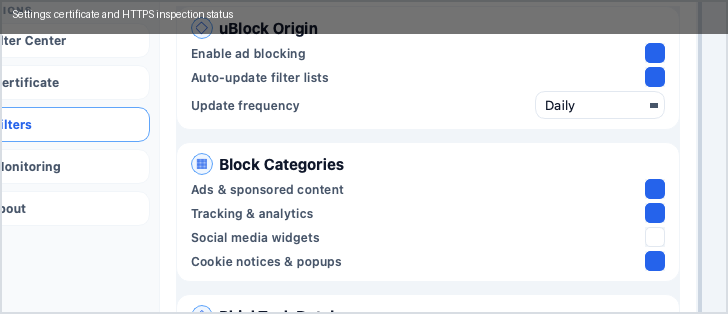
- verify which domain was blocked,
- isolate with minimal changes,
- add narrow allowlist only if justified.
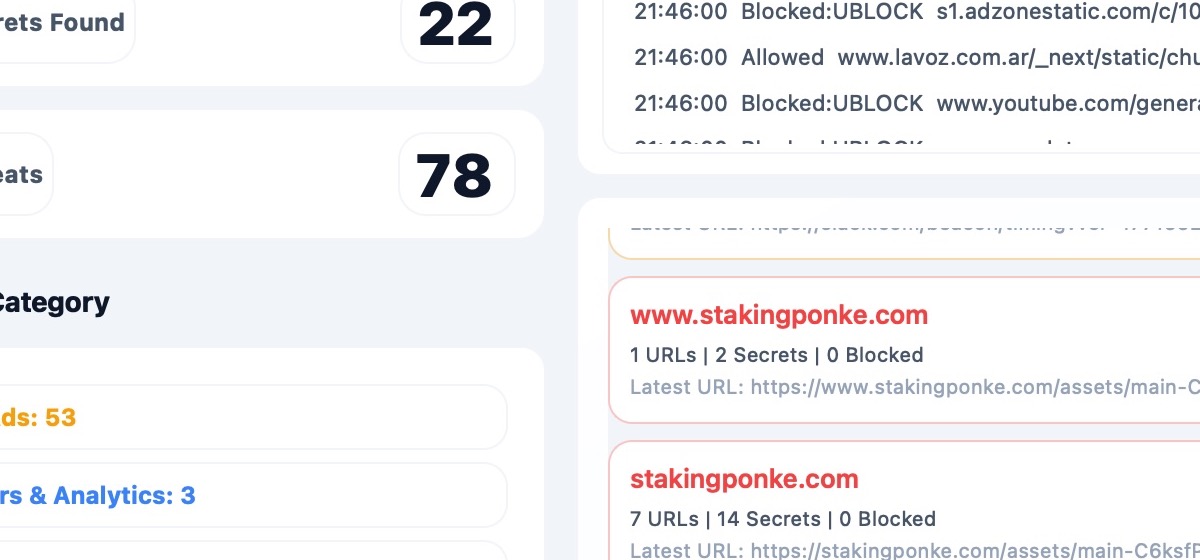
D) Too many noisy alerts
Actions:
- verify feed freshness,
- review notification channels,
- keep critical channels enabled.
End-of-Day Check
Before closing:
- decide if app stays running or fully stops,
- if stopping, ensure proxy returns OFF,
- leave no unresolved high-priority alert.
Escalate When
Escalate to engineering if:
- proxy repeatedly fails to switch ON/OFF,
- certificate flow fails on clean devices,
- UI freezes under normal browsing load,
- filter counts collapse unexpectedly.