Part 3: Daily Operations and Troubleshooting
This part gives you a practical runbook for real daily operations.
1. Daily Start Checklist
At session start:
- Open SafeMode.
- Confirm monitor/proxy status pills.
- Confirm filter update recency.
- Confirm alert stream is active.
- Confirm no immediate certificate warnings.
2. Daily Operating Mode
Recommended baseline for most users:
- monitor ON while browsing
- phishing/secrets/malware notifications ON
- ad/tracker notifications OFF (unless debugging)
- periodic glance at Live Threats summary
This keeps awareness high without alert fatigue.
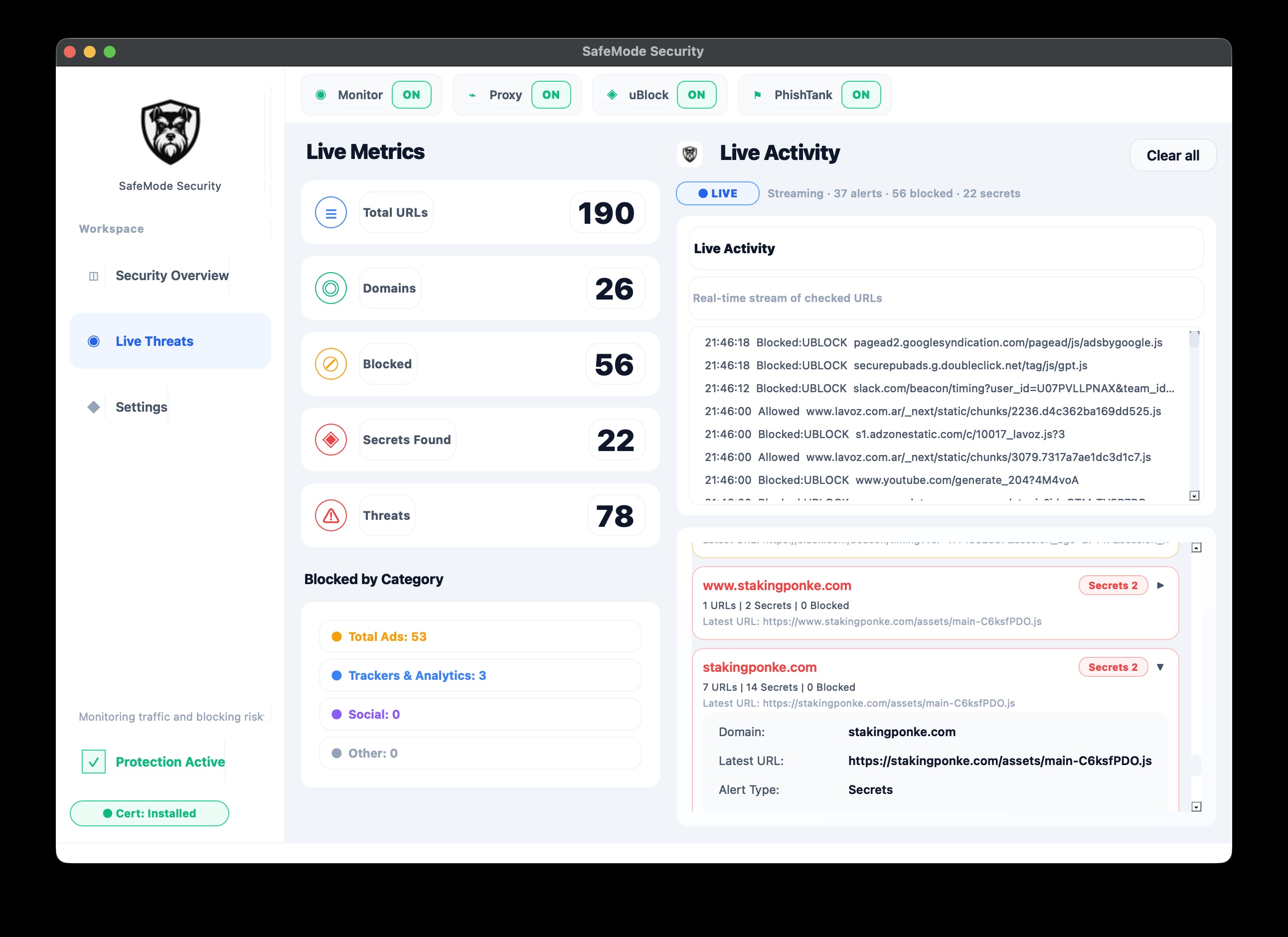
3. Interpreting Live Threats
Use these heuristics:
- high blocked, low secrets = normal ad/tracker suppression
- any
secrets_detected= high-priority investigation - any
phishtankin user path = critical review
Always inspect details before allowlisting.
4. Incident Playbook A - Connectivity Loss
Symptoms:
- websites fail to load
- browser sessions timeout
Steps:
- toggle monitor OFF
- confirm proxy OFF
- retest website
- if recovered, isolate filter/engine cause
- re-enable with minimal safe changes
5. Incident Playbook B - TLS/Certificate Errors
Symptoms:
- browser privacy/certificate warning banners
Steps:
- open certificate settings
- reinstall/verify trust
- recheck with common HTTPS domain
- if still failing, test from clean browser profile
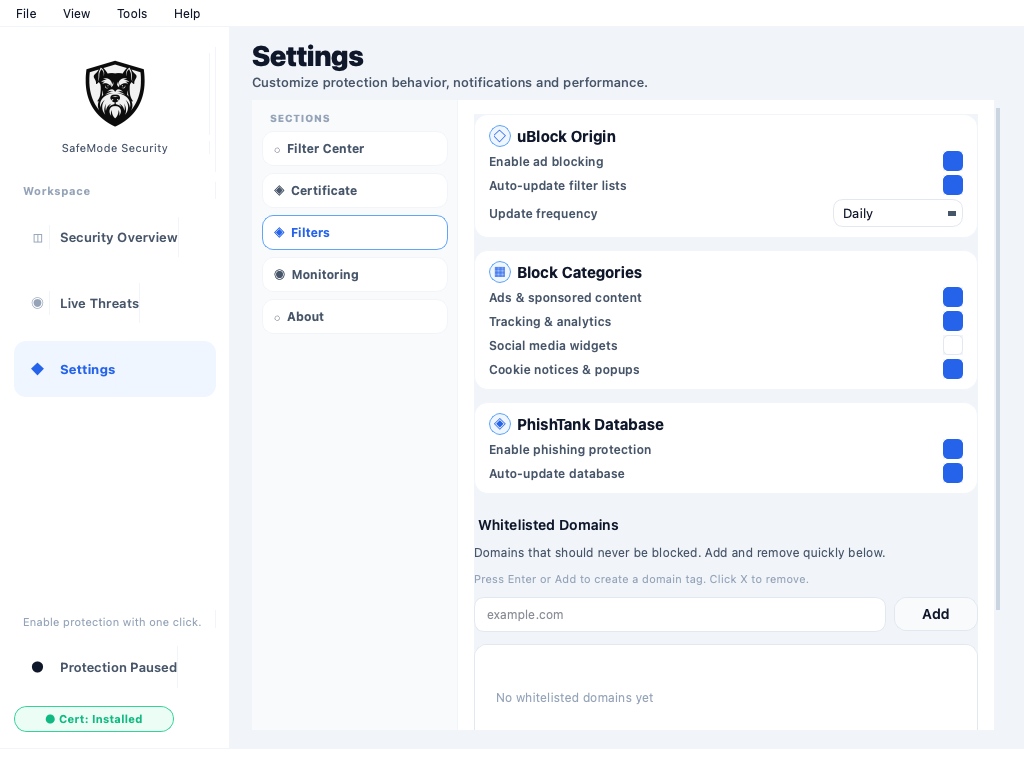
6. Incident Playbook C - Internal App Breakage
Symptoms:
- specific internal site/app fails when SafeMode is ON
Steps:
- inspect blocked reason
- test with only one engine disabled
- add narrow allowlist entry if needed
- keep phishing protection active whenever possible
7. Manage History and Resource Usage
Operational recommendations:
- keep sensible history cap
- use auto-clear policy when required
- avoid excessive UI update frequency on low-power devices
8. End-of-Day Safety Check
Before closing:
- decide policy: keep running in tray vs full stop
- if stopping, ensure proxy returns OFF
- confirm no stale high-priority alerts unresolved
9. Escalation Triggers
Escalate to engineering if:
- proxy repeatedly fails to enable/disable
- UI freezes under normal load
- filter counts unexpectedly collapse
- startup certificate gate behaves inconsistently
Next
Continue to Part 4: Hardening and Best Practices.