How-To: Certificate and Proxy Diagnostics
Use this page when HTTPS inspection is not working as expected.
Most common symptom:
If you can see this, traffic is not going through mitmproxy.
Fast Path (Recommended)
- Open Settings > Security.
- Reinstall/recheck certificate.
- Turn monitor ON.
- Confirm proxy ON.
- Test browsing again.
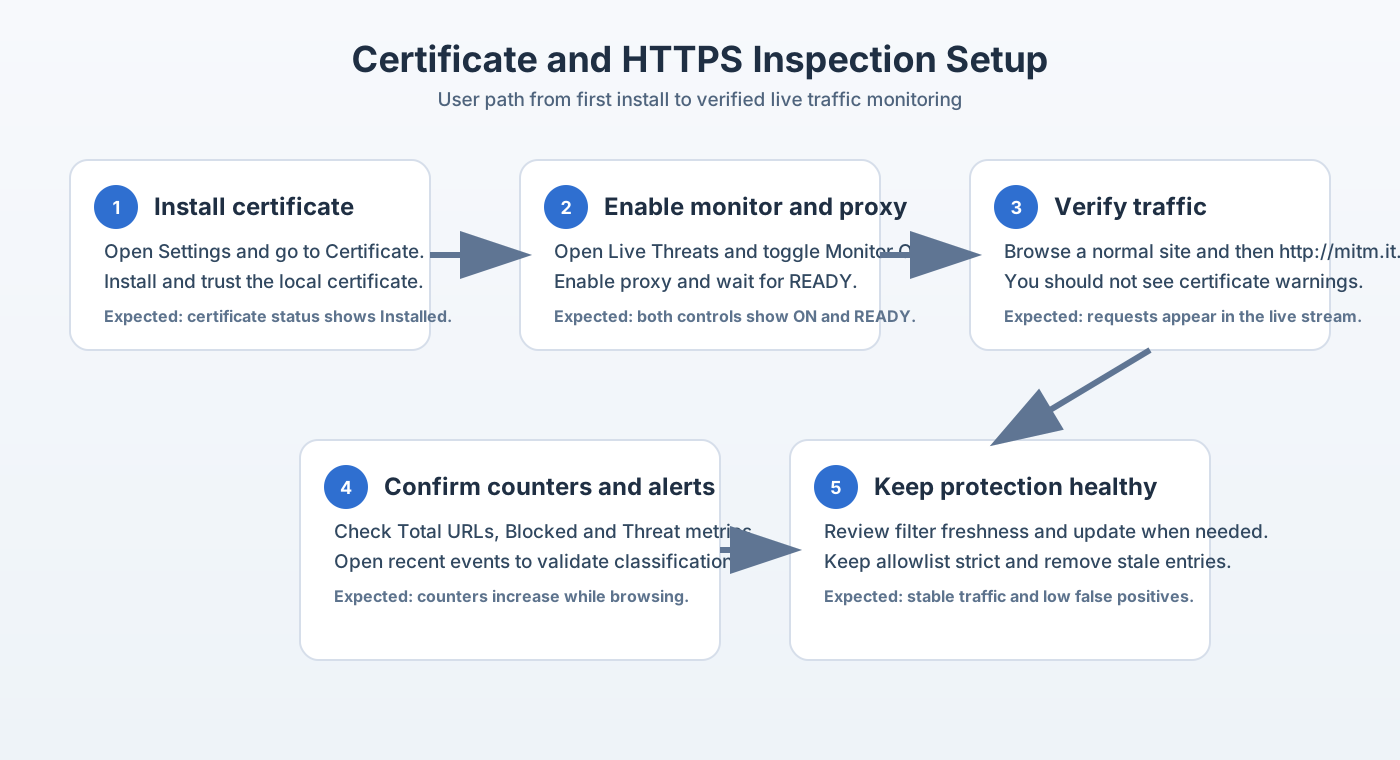
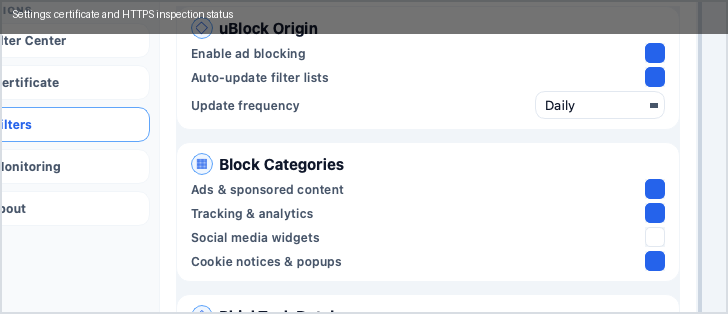
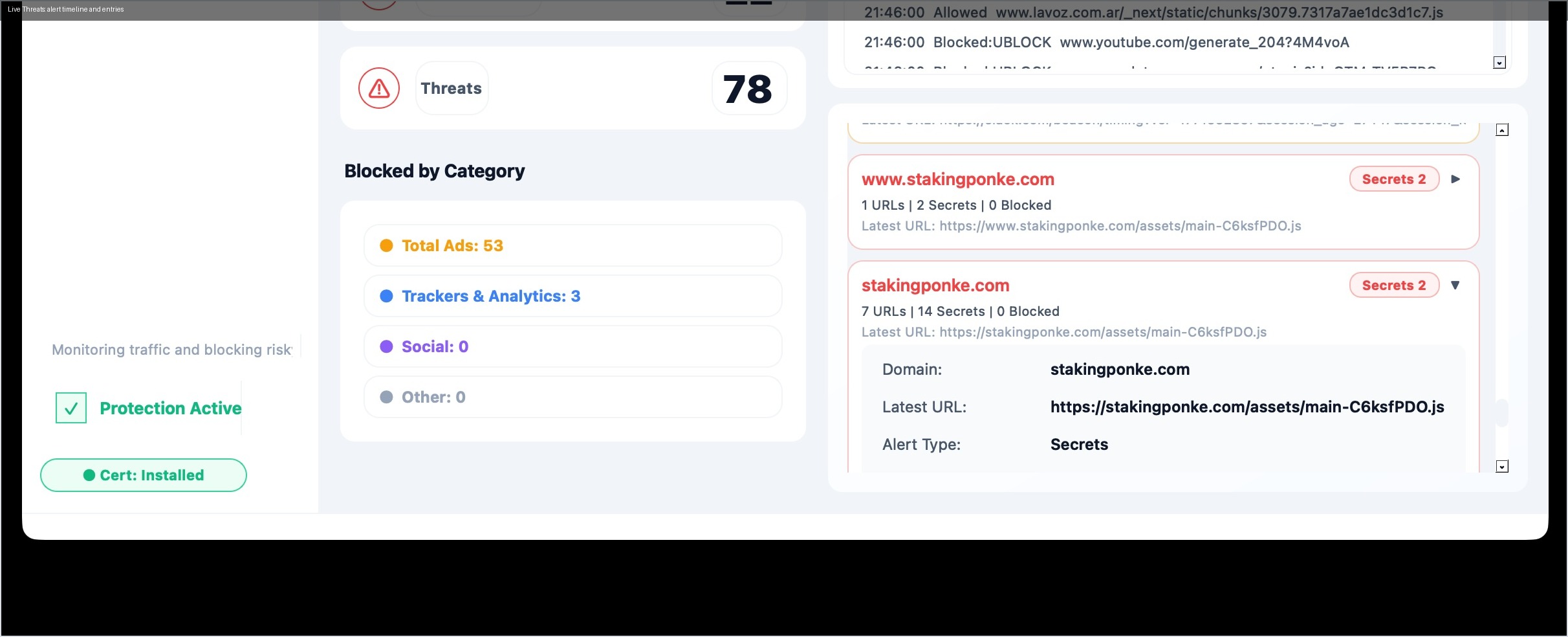
Visual Checkpoints

URL to Use During Certificate Bootstrap
Use:
http://mitm.it
Do not use:
https://mitm.it
Terminal Validation (Optional)
Use these checks only if UI troubleshooting is not enough.
Check local certificate files:
ls -la ~/.mitmproxy
Check listener:
lsof -iTCP:8080 -sTCP:LISTEN
Check macOS proxy state:
scutil --proxy
Troubleshooting Matrix
| Symptom | Most likely cause | First action |
|---|---|---|
| Browser shows cert warning | Certificate not trusted | Reinstall/retrust certificate |
| Monitor ON but no stream | Proxy not active | Verify proxy ON in Live Threats |
No listener on :8080 |
Monitor process not ready | Restart monitor and retest |
| Works then stops randomly | Local proxy state drift | Toggle monitor OFF/ON and recheck |
When to Escalate
Escalate if the same issue repeats after full reinstall/retrust and monitor restart.
Include in report:
- OS and version,
- exact symptom,
- screenshot of status pills,
- output of listener check.